
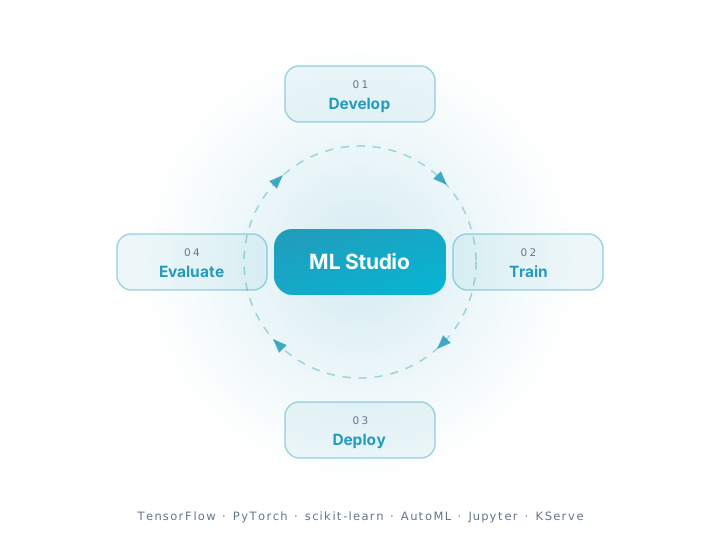
Create, train & deploy. All in one ML studio
Development, training, and deployment happen in the same workspace, so a model does not change hands between three tools on its way to production. Most of the time saved is time that used to go on plumbing between them.
Comprehensive model development
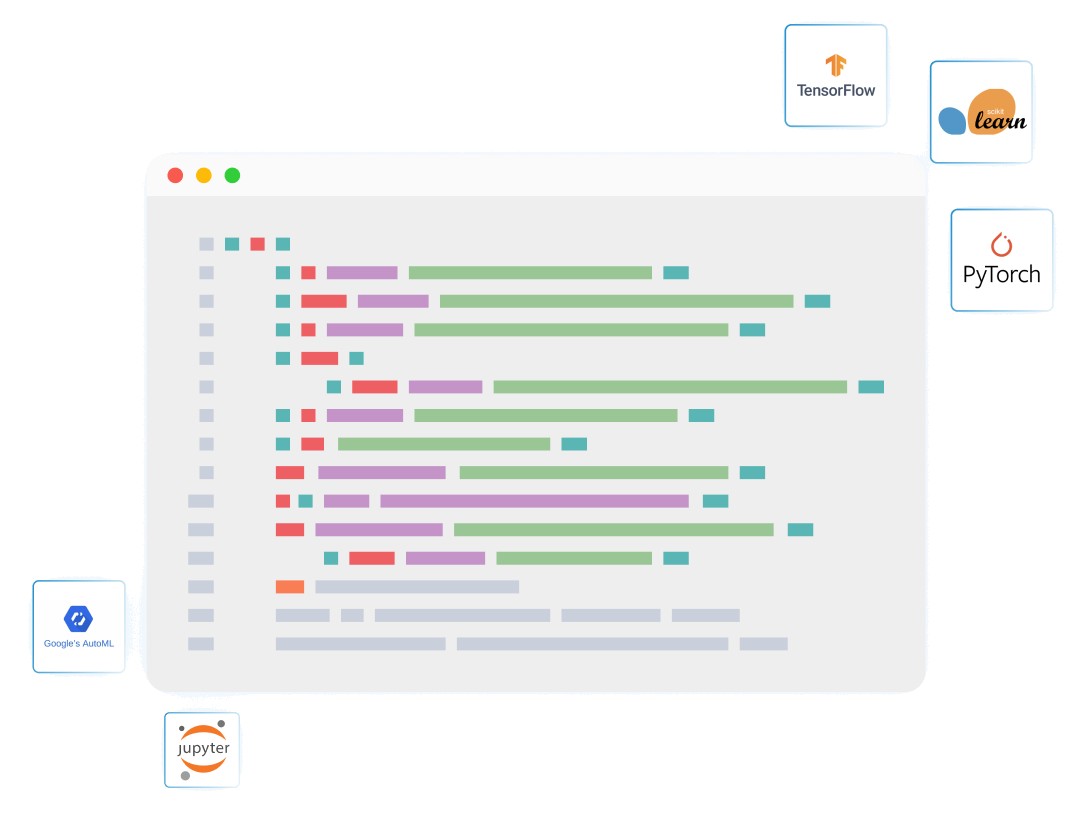
DataByte's Machine Learning Toolkit provides a versatile and user-friendly environment for ML model development.
With libraries support such as tensorflow, sklearn, pytorch and interfaces support such as AutoML, Jupyter notebook, DataByte facilitates in bringing ideas to life. From model architecture to feature engineering, have full control over the development process.
ML Studio: Build, Train & Deploy Models Without Complexity
An end-to-end ML workspace to connect data, run experiments, compare algorithms, and deploy production models from one platform.
Training without the setup
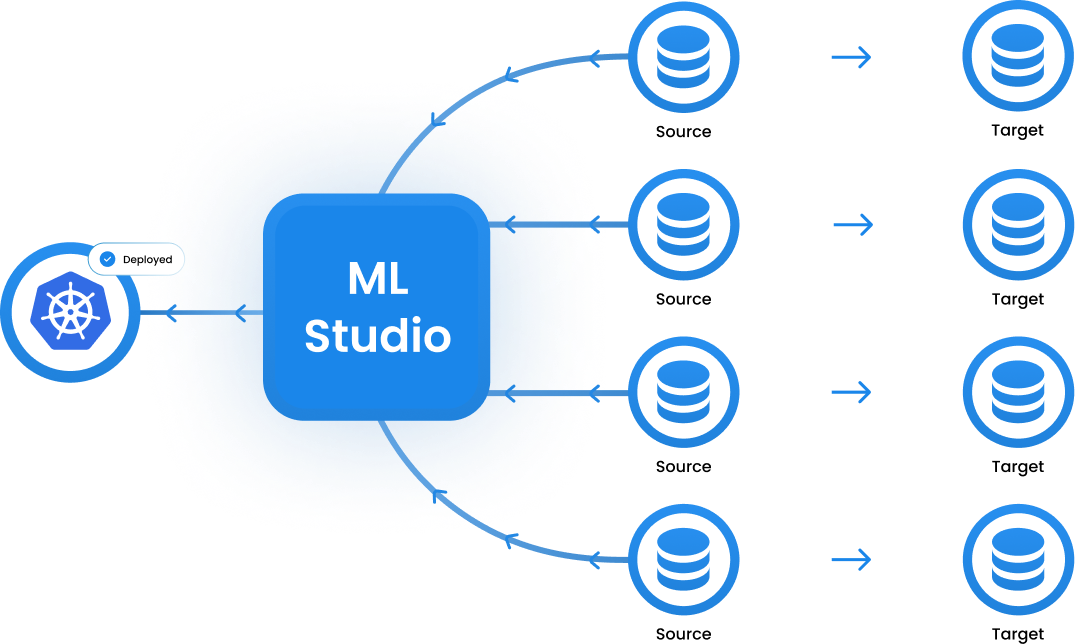
Building effective ML models requires access to quality data. With DataByte, businesses can use the data sources already connected through various pipelines and use advanced ETL to transform the data as it is required for the extensive training of the ML models.
By providing a comprehensive space for model development and access to transformed data through pipelines from data sources we save businesses valuable time and efforts.
Deployment in one step
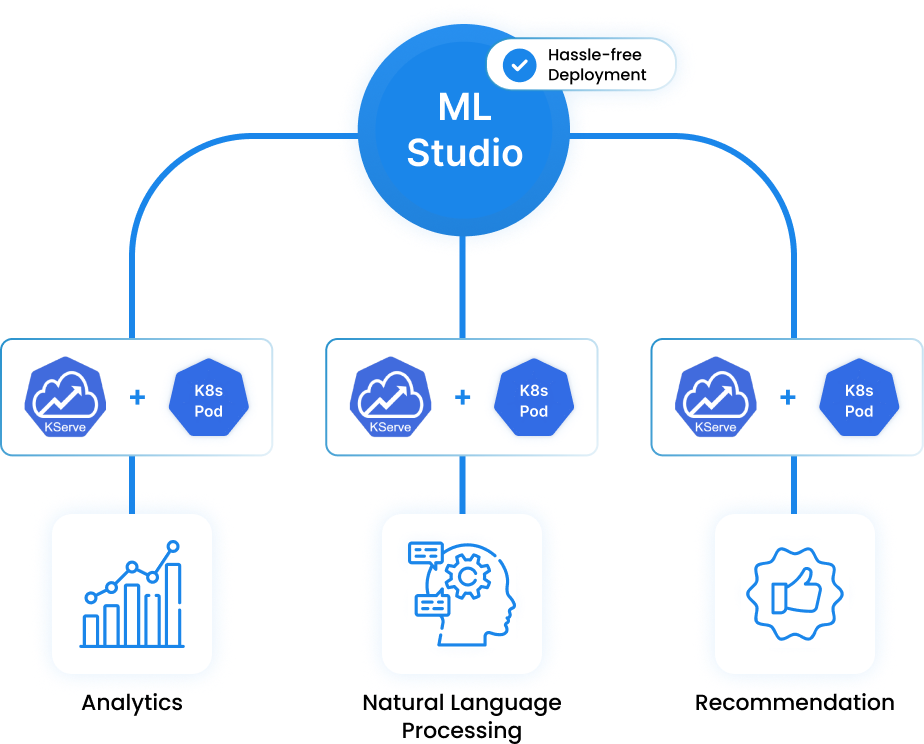
Deployment runs on KServe on Kubernetes, so a trained model becomes a scaled endpoint without a separate serving project first. New versions roll out while the previous one keeps answering.
Evaluation in one place
Model evaluation happens in one place. Metrics, comparisons, and run history sit together, so working out whether a new model beats the one already in production takes a look rather than a spreadsheet.
Evaluation should tell you where a model is weak, not only whether it passed. Comparing runs side by side shows which segments it handles badly, which is usually where the next improvement comes from.
Works with the rest of the platform.
Build conversational and autonomous agents against the governed model rather than an export of it. Every agent answers inside the permissions of the person asking.
Read moreForecast demand, capacity, or cash with 25+ time-series algorithms. Scheduled runs, accuracy dashboards, and side-by-side backtests, so you can see which model to trust.
Read moreCatch the problem while it is still small. Continuous learning on live SQL, Kafka, webhook, and API streams, with alerts that carry the data that triggered them.
Read moreFrom notebook to production, in one place.
See ML Studio train on your own pipelines and deploy to Kubernetes, live, on your stack.